


The Dress to Impress collection has just expanded with the Lunar New Year update. This update brings you the opportunity to unlock six unique items, adding a touch of exclusivity to your fashion collection.
Discover the available codes for this update and where to claim them, enhancing your Dress to Impress experience.
Dress to Impress Lunar New Year update codes
The Lunar New Year update brings three new codes to Dress to Impress. Here’s a look into these latest cosmetics:
| Dress to Impress Codes | Rewards | Reward Previews |
|---|---|---|
| LNY2025 | Cheongsam Dress (Fem) & Tang Suit (Masc) |   |
| HAPPYNEWYEAR | Hanfu |  |
| YEAROFTHESNAKE | Snake Bracelets, Snake Necklace, and Snake Headpiece |    |
Since 2025 is the year of the snake, Dress to Impress’ newest accessories are themed after this reptilian creature. You can complete the outfit with the latest chic outfits featuring both masculine and feminine designs. If you want to try this clothing on, it’s best to do this in Freeplay Mode without worrying about any time limits. Select the heart icon on the screen’s bottom-left corner to begin this mode.
As long as you enter the codes above, you’ll find the new items inside any dressing room. Experiment in Freeplay Mode to see what works, helping you out for future themed competitions. There are also plenty more Dress to Impress codes you can utilize if you want even more clothing in your collection.
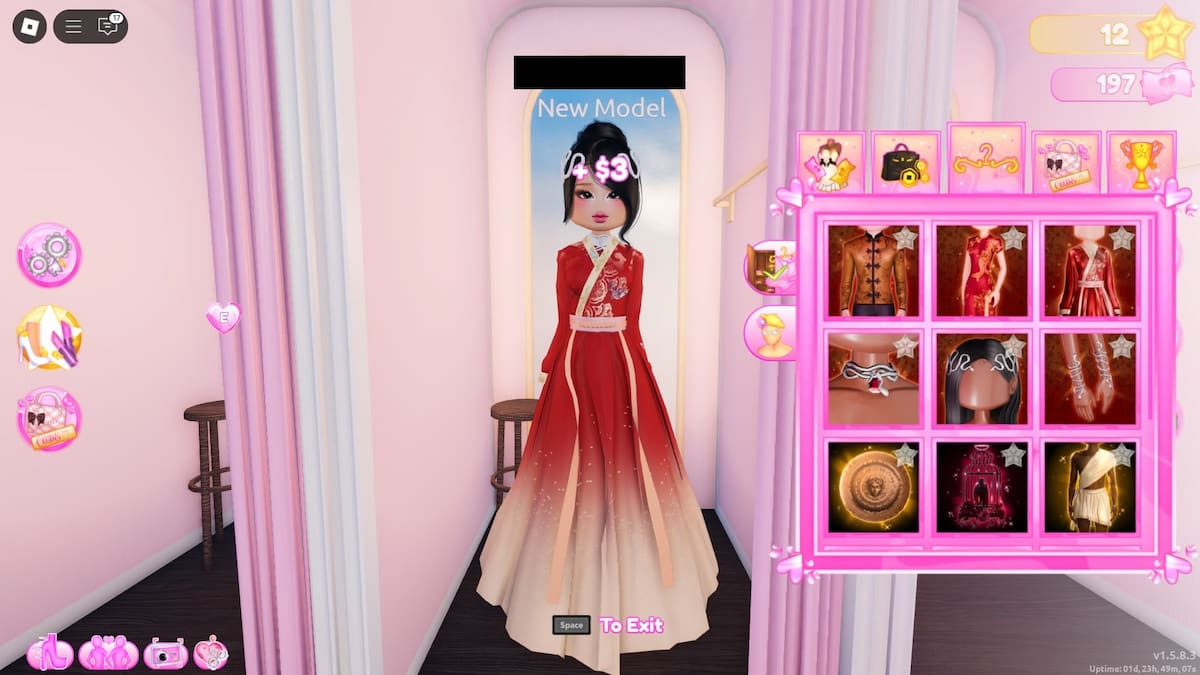
It’s important to note that some codes, including those for the Lunar New Year event, do have an expiration date. The latest update is expected to conclude by Feb. 8, marking the start of the Valentine’s celebration. However, there may be an extension to provide players with more time.
How to redeem Dress to Impress codes
If you’re unsure of how to use codes in Dress to Impress, just look for the ‘Codes’ section on the left side of the screen. It’s the one with the icon of a purse. Select this icon to trigger the prompt for the codes.
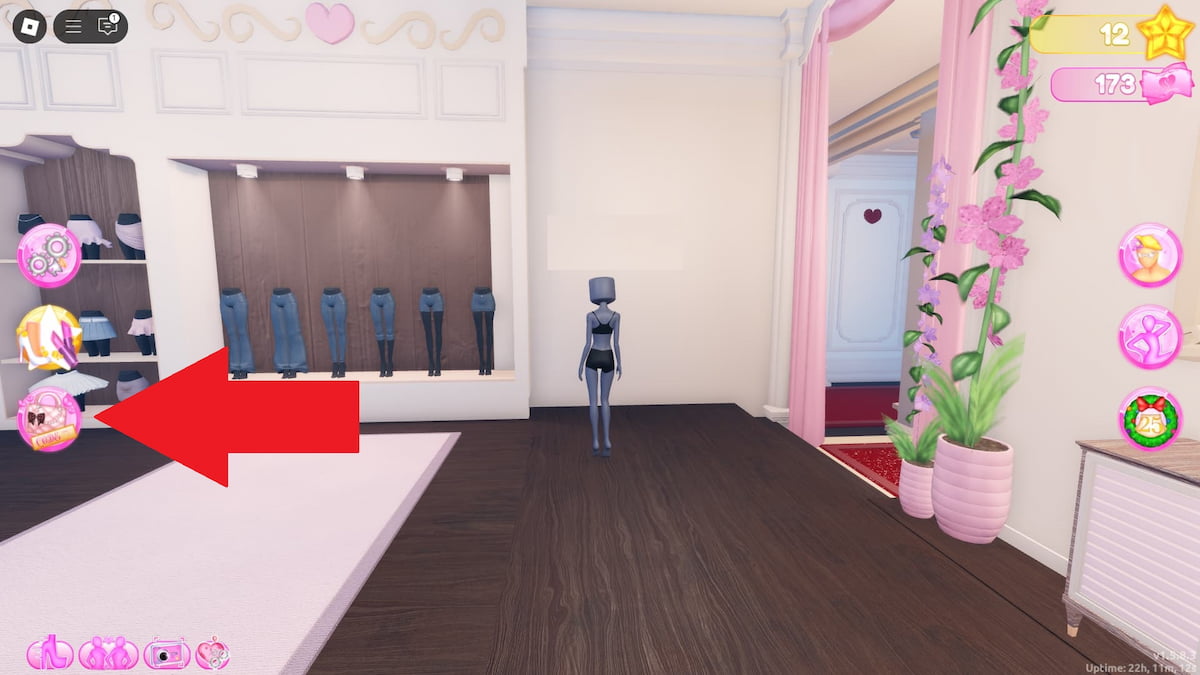
You can enter as many codes as you like, permitted that the strings are still in use. If it doesn’t work, it’s likely that the code is no longer available, so you’ll need to move on to something else.


